SupportOrder Management
Attach a Document to an Order
If your order requires an attachment—such as a gift note, bill of lading, or any other supporting document—you can add it in just a few steps:
- Navigate to the Order List page:
🔗 https://my.handledcommerce.com/en/wms/shipment-order/list - Use the search or filter tools to locate the order.
- Click on the Order ID to open the order details.
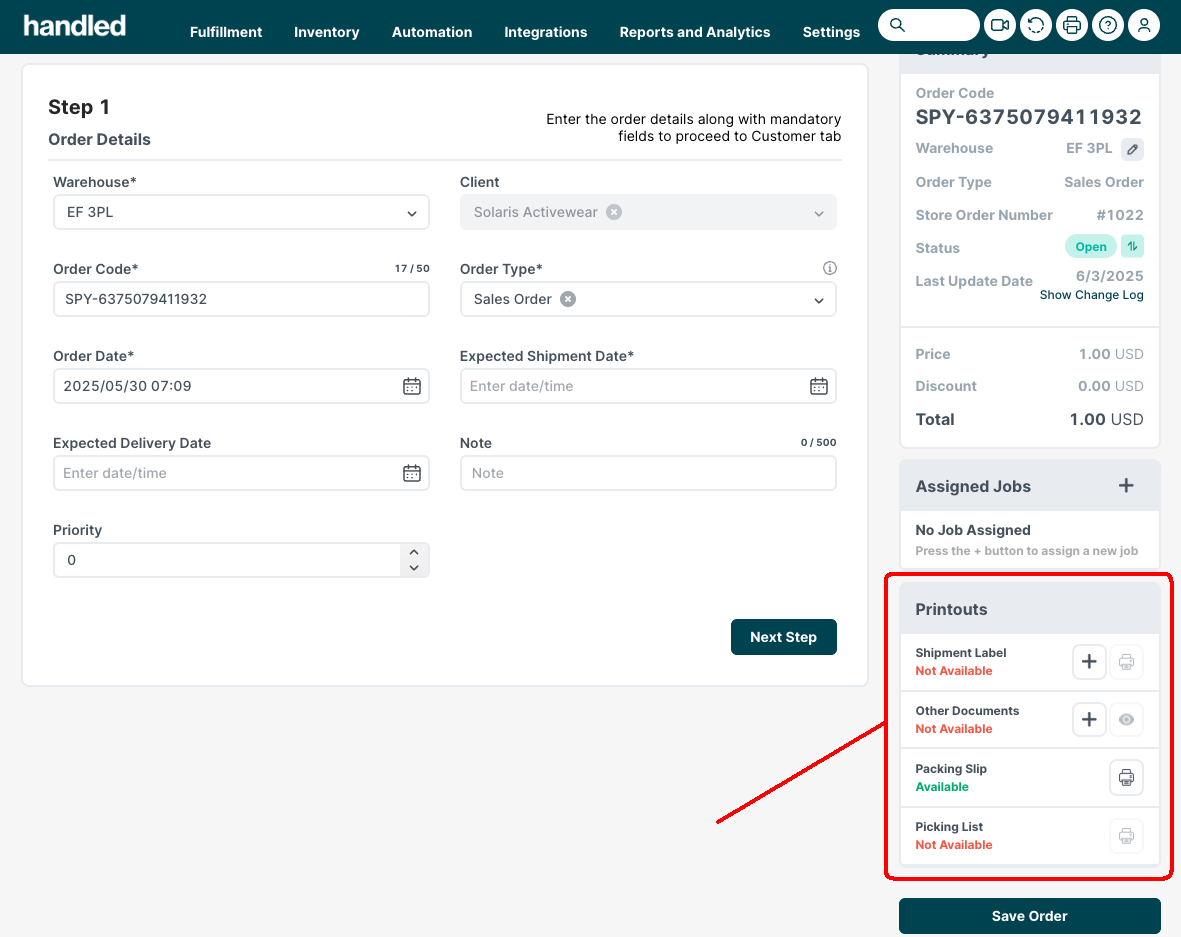
- In the Printout section, click the ➕ button next to the relevant document type.
- Choose the Document Type from the dropdown menu.
- Upload your file.
- Click Save to attach the document to the order.